Local development images now available for Cloud Containers
To make local development easier, you can now pull Cloud Container images from Docker Hub.

Our Cloud Containers are designed to solve many of the most common hosting problems. Until now, developing locally with the same environment as your Cloud Container was one area for improvement. That’s changing.
We’ve launched public versions of our Cloud Container images on Docker Hub, allowing you to develop websites locally in an environment that matches your production Cloud Containers 1:1.
You can find the full step-by-step setup in our Knowledge Base, but if you want a quick rundown of what’s new and why it matters, keep reading.
As you’ll probably already know, Cloud Containers use Docker images tailored to each container. But these images have all been living inside our private internal registry, preventing you from pulling the images your Cloud Containers use. This restriction was in place because the images rely on files mounted to the Cloud Container server disk. If you’d tried to run that image on your laptop, it wouldn’t have worked because your laptop doesn’t have the same file structure as our Cloud Container servers. It would be missing the prerequisite files it needs to run.
And that’s been a pain, because it means you haven’t been able to pull the real Cloud Container image. Instead you’ve had to try and simulate the environment by using generic public Docker images. These images didn’t always match our setup requirements or weren’t configured exactly the same way as our Cloud Container images.
While these images worked well, they caused some friction for developers wanting to test their application locally before deploying.
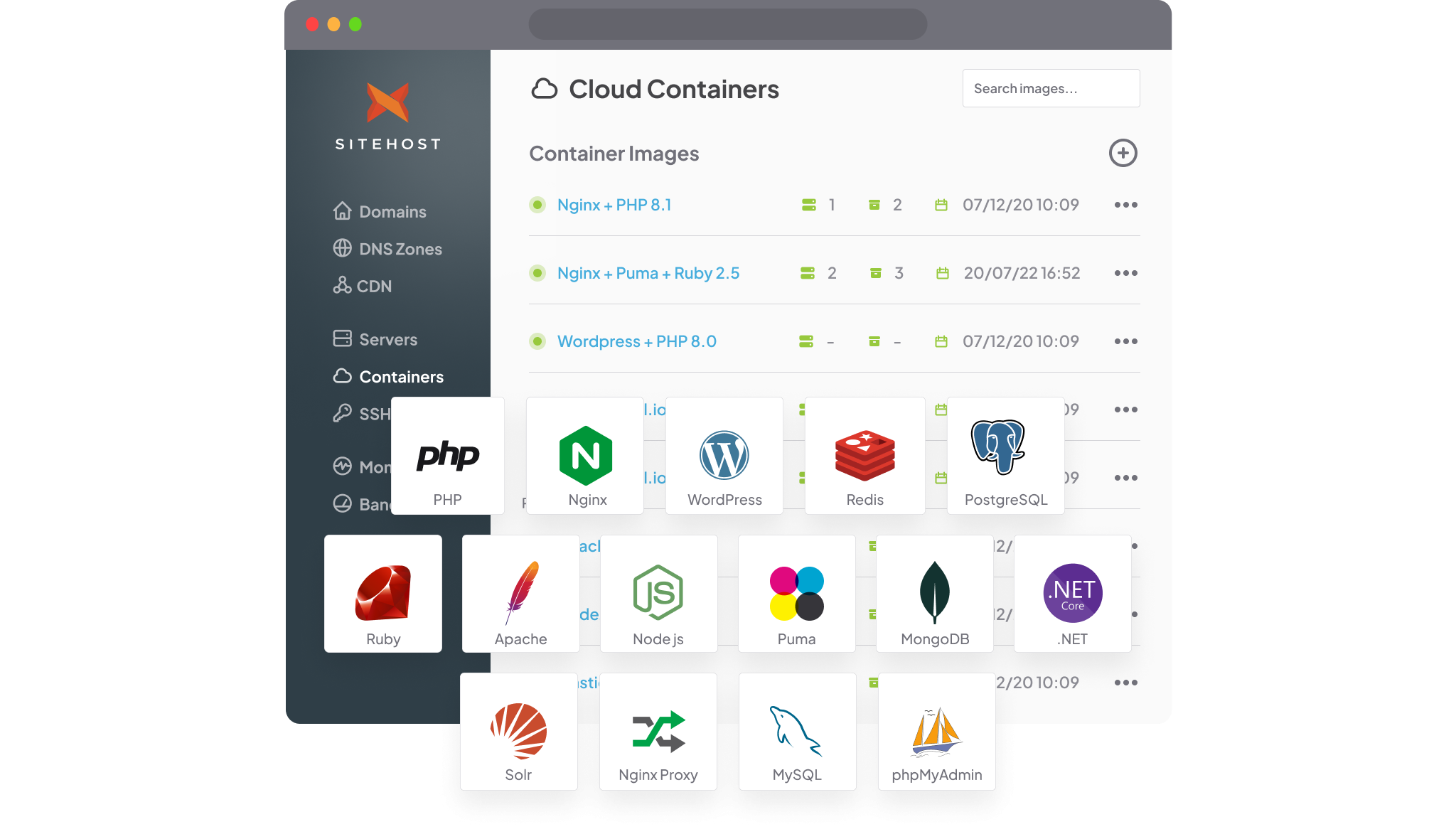
Cloud Container images are now on Docker Hub
We’ve made it possible for you to develop locally using an environment that matches your Cloud Container production environment to a tee.
Cloud Containers are all about giving you flexibility and making it easier to develop your websites. With fewer obstacles in the way of local development, that promise is even more fully realised.
By restructuring our Docker image build process using multi-stage builds, we’ve been able to branch our Docker images into two variants: our existing production-optimised images, and our brand new development-friendly versions that can be used locally.
These local development versions of our Cloud Container images are on Docker Hub. The images have the essential files baked into the image, with a file structure that matches the standardised Cloud Container directory structure. They’re pre-built images that meet all our production requirements, while also enabling frictionless local development.
We’ve made the new images available publicly for everyone, not just Cloud Container customers. As of now, we've created these for our PHP Web images and our integrated images. If you’d like public versions of a different image, feel free to reach out. The process to set up these new images isn’t too taxing, we just need to know where the demand is first.

When would I use this?
Local development with these new images now matches production 1:1. No more unexpected inconsistencies.
Cloud Containers are all about giving you flexibility and making it easier to develop your websites. With fewer obstacles in the way of local development, that promise is even more fully realised. You couldn’t do this before, and it should mean less guesswork when developing locally.
If you have your own custom Docker image forked from one of our web images, you can use the Docker Hub version to build it locally.
Of course, this process is all optional. If your current Cloud Container setup works perfectly for you, then you don’t need to change anything.
Setting up for local development
Want to give it a go? Pull the Cloud Container images directly from the SiteHost Docker Hub to run them locally. Of course, to run the images locally you’ll need to have Docker installed. Every image available on Docker Hub has its own description, to help you know exactly which ports and volumes to use.
If you want to know more, the Knowledge Base explains how to get started.
We’re constantly working on updating and improving our Cloud Container platform—that’s one of the reasons it’s our most popular hosting option. The new images give you even more control, and make one less roadblock in your development process. Local development should be straightforward, and we want hosting on Cloud Containers to be stress-free.
Pull the new images from Docker Hub to give them a go, and see what you think. Hopefully these new images can streamline your experience working with us, and if you have any questions, don’t hesitate to get in touch.